

Annapurna Bhandar Status Check With Application Id
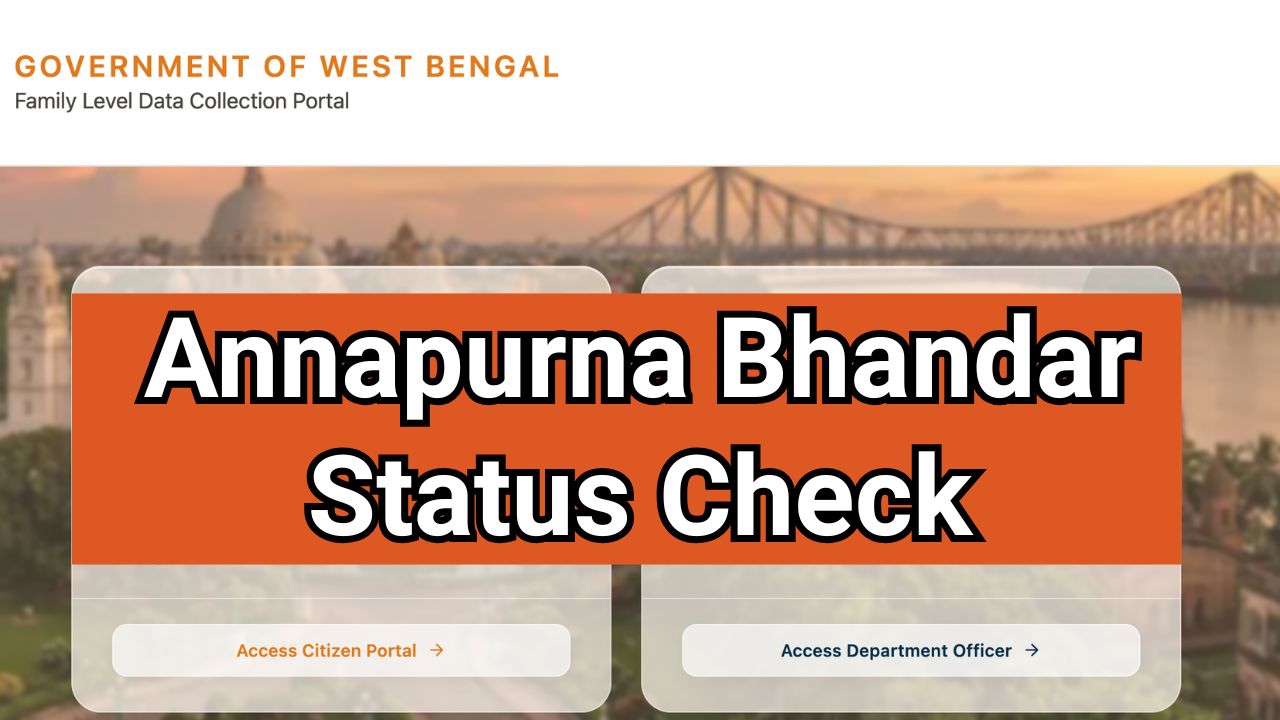
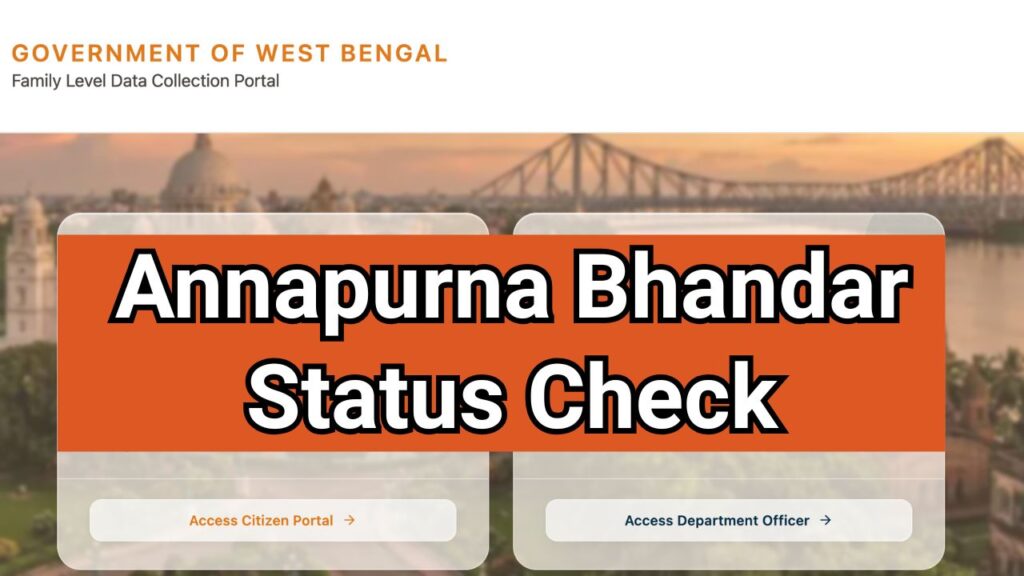
To check Annapurna Bhandar Status With Application ID, visit the official Social Security portal at https://socialregistry.wb.gov.in/, click on Track Applicant Status, enter your Application ID, complete OTP verification, and submit the form. The portal will display your application status, verification details, approval status, and ₹3,000 payment information online.
Introduction
The Annapurna Bhandar Status Check With Application ID facility allows applicants to track their application progress and verify whether their monthly financial assistance has been approved. The Government of West Bengal has launched the Annapurna Yojana (formerly Lakshmir Bhandar) to provide ₹3,000 per month through Direct Benefit Transfer (DBT) to eligible women beneficiaries.
Applicants can check their Annapurna Bhandar application status, approval status, verification status, and payment details online using their Application ID, Aadhaar number, mobile number, or bank account number through the official Social Security portal at https://socialsecurity.wb.gov.in/.

Annapurna Bhandar Status Check – Overview
| Scheme Name | Annapurna Yojana (Annapurna Bhandar) |
| State | West Bengal |
| Benefit Amount | ₹3,000 Per Month |
| Payment Mode | Direct Benefit Transfer (DBT) |
| Beneficiaries | Eligible Women |
| Age Limit | 25 to 60 Years |
| Payment Start Date | 3 June 2026 |
| Status Check Mode | Online |
| Official Website | https://socialsecurity.wb.gov.in/ |
What is Annapurna Bhandar Status Check?
The Annapurna Bhandar Status Check service enables beneficiaries to monitor their application and payment progress after submitting the scheme application.
By checking the status online, applicants can find out whether their application is:
- Submitted successfully
- Under government verification
- Approved for benefits
- Payment released
- Pending due to document issues
The online status tracking system helps applicants stay updated without visiting government offices.
Annapurna Bhandar Status Check Portal – Complete Information
| Official Website | https://socialregistry.wb.gov.in/ |
| Alternative Official Website | https://socialsecurity.wb.gov.in/ |
| Annapurna Bhandar Status Check Link | https://socialregistry.wb.gov.in/citizen/#/ |
| Scheme Name | Annapurna Bhandar (now also called Annapurna Yojana) |
| Monthly Benefit | ₹3,000 via DBT to eligible women |
How to Check Annapurna Bhandar Status With Application ID Online?
If you have already applied for the scheme, follow the steps below to perform the Annapurna Bhandar Status Check With Application ID.
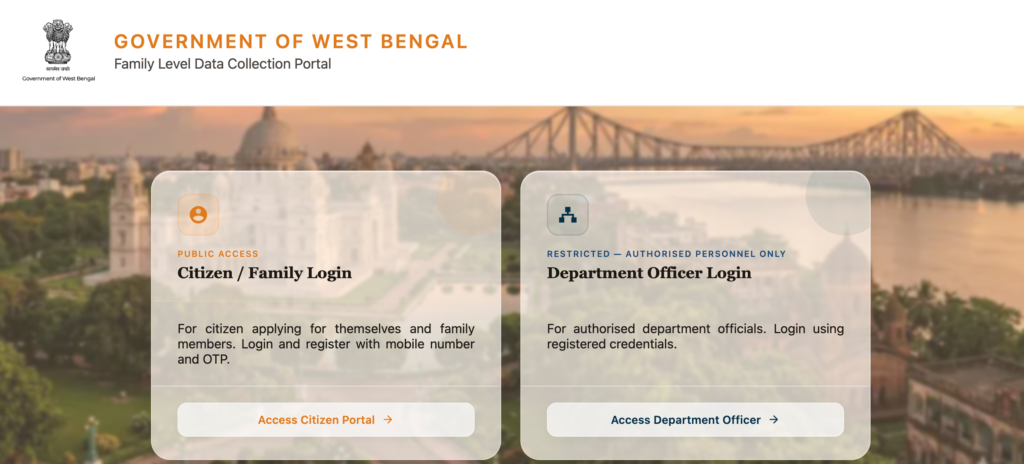
- Step 1: Visit the Annapurna Bhandar Official Portal at https://socialsecurity.wb.gov.in.
- Step 2: click the Track Applicant Status option.
- Step 3: Enter Application Details: Application ID, Aadhaar Number, Registered Mobile Number, Bank Account Number.
- Step 4: Registered mobile number and Captcha code.
- Step 5: verify the OTP sent to your mobile number.
- Step 6: click the Submit button.
- Step 7: Your Annapurna Bhandar application details will appear on the screen.
Important Link
| annapurna bhandar online apply link | https://socialregistry.wb.gov.in |
| social security wb gov in login registration online | https://socialregistry.wb.gov.in/citizen/#/ |
| annapurna bhandar official portal | https://socialregistry.wb.gov.in |
https //socialregistry.wb.gov.in/track application
https //socialregistry.wb.gov.in/track application is the official link to track the application of Annapurna Bhandar.
Annapurna Bhandar Status Check Phone Number Official Website
Applicants can check their Annapurna Bhandar Status using their registered phone number by visiting the official website:https://socialregistry.wb.gov.in, completing OTP verification, and using the Track Application Status feature to view their latest application and payment status online.
Step-by-Step Process
- Visit the official Annapurna Bhandar portal: https://socialsecurity.wb.gov.in
- Log in using your registered mobile number.
- Enter the captcha code and complete the login process.
- Verify the OTP sent to your registered mobile number.
- Click on Track Application Status.
- Choose Phone Number from the available search options.
- Enter your registered mobile number and captcha code.
- Click Search.
- Your Annapurna Bhandar application status will appear on the screen.
Annapurna Bhandar Status Meanings Explained
While checking your application, you may see one of the following status messages.
1. Application Submitted
This means:
- Your application has been successfully registered.
- Authorities have received your form.
2. Under Verification
This indicates:
- Documents are being checked.
- Aadhaar and bank details are under verification.
- Officials are validating eligibility.
3. Approved
This means:
- Your application has been accepted.
- You are eligible for monthly benefits.
- Payment processing will begin.
4. Payment Released
This status confirms:
- ₹3,000 payment has been sent.
- Money has been transferred through DBT.
5. Rejected
If the application is rejected, the portal may show the reason such as:
- Aadhaar mismatch
- Invalid bank account
- Eligibility criteria not fulfilled
- Incomplete documents
How to Check Annapurna Bhandar Payment Status?
After approval, beneficiaries should verify whether the ₹3,000 payment has been credited.
Method 1: Bank Account Check
Check your Aadhaar-linked bank account through:
- Net Banking
- Mobile Banking
- Bank Passbook
Method 2: Bank Statement
Download or request a bank statement to confirm the DBT transaction.
Method 3: SMS Alerts
Many banks send SMS notifications when DBT payments are credited.
Documents Required for Annapurna Bhandar Status Check
Keep the following details ready:
- Application ID
- Aadhaar Number
- Registered Mobile Number
- Bank Account Number
- OTP-enabled mobile phone
Annapurna Bhandar Eligibility Criteria 2026
To receive benefits under the scheme, applicants generally need to meet the following conditions:
- Must be a resident of West Bengal.
- Must be a woman applicant.
- Age should be between 25 and 60 years.
- Aadhaar should be linked with the bank account.
- Must satisfy scheme eligibility guidelines issued by the government.
Common Reasons for Payment Delay
If your application is approved but payment has not arrived, possible reasons include:
Aadhaar Seeding Issues
The bank account may not be linked properly with Aadhaar.
Incorrect Bank Details
Account number or IFSC information may be incorrect.
Verification Pending
Authorities may still be reviewing documents.
Technical Processing Delay
DBT transactions occasionally take additional time to process.
Benefits of Annapurna Yojana
The scheme aims to provide financial assistance to eligible women across West Bengal.
Major benefits include:
- ₹3,000 monthly financial support
- Direct transfer to beneficiary bank accounts
- Transparent online tracking system
- Reduced dependence on intermediaries
- Improved financial security for women
FAQs
how to check annapurna bhandar status online?
Visit the Social Security portal https://socialsecurity.wb.gov.in, click on Track Applicant Status, enter your Application ID, complete OTP verification, and view your status online.
What is the official website for Annapurna Bhandar status check?
The official website is: https://socialsecurity.wb.gov.in
Can I check status without Application ID?
Yes. You can also check status using: Aadhaar Number, Mobile Number and Bank Account Number.
What does “Under Verification” mean?
It means government officials are verifying your documents, Aadhaar details, and eligibility before approval.
How much money is provided under Annapurna Yojana?
Eligible beneficiaries receive ₹3,000 per month through Direct Benefit Transfer (DBT).
When did Annapurna Yojana payments start?
The first phase of payments started on 3 June 2026.

Hello, I am Shubham Kumar Founder of Onlineprocess.co.in, also I am a government employee and have been blogging since 2016. Through OnlineProcess.co.in, I share useful and reliable information about jobs, education, scholarships, and government schemes.