

If you want to check SERP Telangana SHG Transaction Status, you should know that there is no single public page on the official SERP/eFMS website with the exact name “SHG Transaction Status.”
Instead, SHG transaction, accounting, savings, loan and bank-related information is available through different official reports.

So, depending on what you want to check, you need to open the correct report.
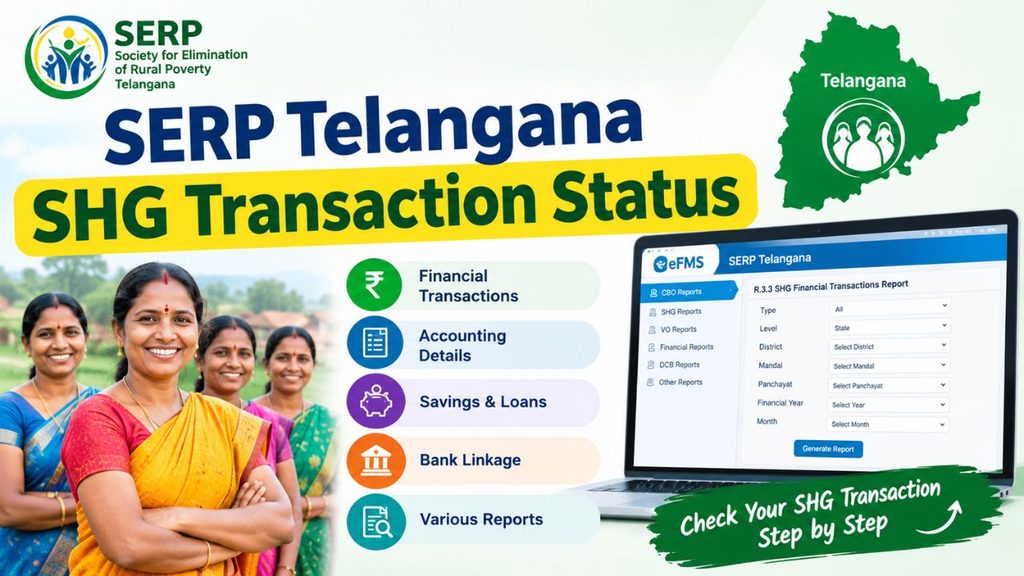
What is SERP Telangana SHG Transaction Status?
SERP Telangana SHG Transaction Status means checking the financial and accounting details related to a Self Help Group (SHG) through the official SERP Telangana system.
The official portal provides different types of SHG information, such as:
- SHG financial transactions
- Accounting details
- Savings details
- Income and expenditure
- Loan details
- Bank linkage information
- DCB statements
- NPA information
- Bank Reconciliation Statement
- Cash Book and Ledger
However, there is not necessarily a single page that shows every transaction as Pending, Approved or Failed.
SERP Telangana SHG Transaction Status Official Website
You can use the official SERP Telangana CBO Reports page to check SHG financial transaction information.
Official CBO Reports:
https://www.efms.serp.telangana.gov.in/IBTG/MasterData_Reports/ReportsHome.aspx
You can also visit the main SERP Telangana website: Official SERP Telangana Website: https://www.serp.telangana.gov.in/
SHG Financial Transactions Report
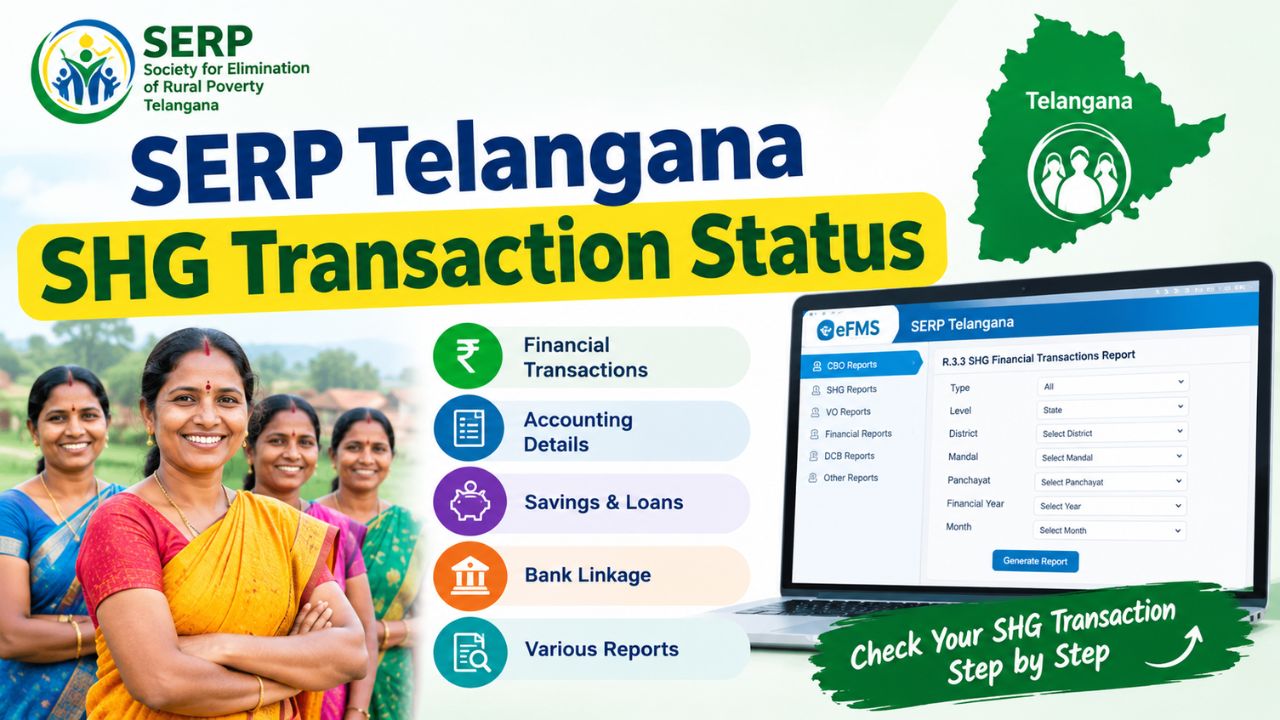
The official CBO Reports portal has a report called R.3.3 SHG Financial Transactions Report.
This report is useful for checking financial transaction information related to SHGs.
Depending on the report, you may be able to filter the information using:
- Type
- Level
- District
- Mandal
- Panchayat
- Cluster
- VO
- SHG
You need to select the correct details to find the required SHG information.
How to Check SERP Telangana SHG Transaction Status
Follow these sumple steps to check SERP Telangana SHG Transaction Status at https://www.serp.telangana.gov.in/.
- Open the official SERP Telangana CBO Reports page: https://www.serp.telangana.gov.in/.
- Find the reports related to SHG and VO.
- Open R.3.3 SHG Financial Transactions Report.
- Select the required Type, such as All, TRIGP or Non-TRIGP.
- Select the required Level, District, Mandal, Panchayat, Cluster, VO and SHG, if available.
- Select the correct financial year, month or transaction period.
- Generate the report and check the available transaction details and amount.
If you are looking for an accounting entry rather than a financial transaction, you should also check the SHG Accounting Monitoring Report.
How to Check SHG Accounting Status
For SHG accounting information, you can use the official SHG APP Accounting Report.
Official SHG APP Accounting Report:
https://efms.serp.telangana.gov.in/ibappreports/userinterface/Reports/ShgAppAccountingReport.aspx
This report allows users to search accounting information based on the available financial year or month.
The report can be useful when you want to check whether accounting information has been recorded in the SERP system.
SHG Accounting Monitoring Report
SERP Telangana also provides a separate SHG Accounting Monitoring Report.
Official SHG Accounting Monitoring Report:
https://efms.serp.telangana.gov.in/ibappreports/userinterface/Reports/SHGMonitorningReport.aspx
This report is used for monitoring SHG accounting information.
According to the portal, VO-level data is updated around 4:00 AM, while SHG-level data is available online.
Therefore, if a recently entered accounting record is not visible immediately, it may be useful to check again later.
How to Check SHG Loan Transaction Status
If your transaction is related to an SHG loan, you can use the official Loan Account Search page.
Official Loan Account Search:
https://www.efms.serp.telangana.gov.in/MEPMATG/View/LoanInfo/LoanAccSearch.aspx
The page provides search options based on information such as:
- Loan A/C Number
- SHG ID
If your transaction is related to a loan, checking the loan account separately can be more useful than checking only the general SHG transaction report.
How to Check SHG Bank Linkage Status
If you want to check information related to SHG bank linkage or loan disbursement, use the official Bank Linkage Field-Level Report.
Official Bank Linkage Report:
https://efms.serp.telangana.gov.in/MEPMATG/View/Reports/BankLinkageFieldLevelReport.aspx
This report provides bank-linkage and disbursement-related SHG information. A data download option may also be available on the portal.
Which Report Should You Use?
| What you want to check | Official Report |
|---|---|
| SHG Financial Transaction | R.3.3 SHG Financial Transactions Report |
| SHG Accounting | SHG APP Accounting Report |
| Daily Accounting Monitoring | SHG Accounting Monitoring Report |
| Savings | Saving Statement |
| Income and Expenditure | Income and Expenditure Statement |
| Loan Account | Loan Account Search |
| Bank Linkage | Bank Linkage Field-Level Report |
| DCB Details | Member/Bank Linkage DCB Reports |
Choosing the correct report makes it easier to find the information you need.
SHG Transaction Status Not Showing?
Sometimes the official report opens, but no information is displayed. This can happen because the required filters or details have not been selected.
Check the following:
- Make sure you are using the correct SHG ID.
- Select the correct financial year.
- Select the correct month or transaction period.
- Check the District, Mandal, Panchayat, Cluster and VO filters.
- Try both the financial transaction report and accounting report.
- For loan transactions, search using the Loan A/C Number or SHG ID.
- For bank-related transactions, check the Bank Linkage Report.
- Check whether the information is recorded at SHG, VO, Cluster or DPMU level.
Is 2026-27 SHG Transaction Data Available?
The bank-partnership portal currently shows 2026-27 as a financial year option.
However, seeing a financial year in the selection box does not mean that every SHG transaction for that year has already been uploaded, processed or approved.
If you select 2026-27 and cannot find a particular transaction, you should check the relevant report and filters before assuming that the transaction has failed.
What to Do If Your SHG Transaction is Not Found?
If you cannot find the transaction after checking the available reports, keep the following details ready:
- SHG ID
- SHG name
- Transaction date
- Transaction amount
- Loan A/C Number, if related to a loan
- Bank details, if related to bank linkage
- Financial year
You can then contact the concerned VO/SHG bookkeeper, Mandal Samakhya/VO office, SERP district office or DPMU to verify the transaction.
Important Links for SERP Telangana SHG Transaction Status
| Service | Official Link |
|---|---|
| SERP Telangana Main Website | https://www.serp.telangana.gov.in/ |
| SHG Financial Transactions | https://www.efms.serp.telangana.gov.in/IBTG/MasterData_Reports/ReportsHome.aspx |
| SHG APP Accounting Report | https://efms.serp.telangana.gov.in/ibappreports/userinterface/Reports/ShgAppAccountingReport.aspx |
| SHG Accounting Monitoring | https://efms.serp.telangana.gov.in/ibappreports/userinterface/Reports/SHGMonitorningReport.aspx |
| VO & SHG Reports | https://www.efms.serp.telangana.gov.in/IBAppReports/Userinterface/Portal/ReportHome.aspx |
| Loan Account Search | https://www.efms.serp.telangana.gov.in/MEPMATG/View/LoanInfo/LoanAccSearch.aspx |
| Bank Linkage Report | https://efms.serp.telangana.gov.in/MEPMATG/View/Reports/BankLinkageFieldLevelReport.aspx |

Shubham Kumar currently works in a government position at the block level in his district, where he actively contributes to the administration and public service delivery. Alongside his official duties, he is also a passionate blogger with a deep interest in sharing reliable and up-to-date information on jobs, education, scholarships, and government schemes. His mission is to empower his readers with accurate knowledge, enabling them to make informed decisions, achieve their goals, and lead meaningful lives.