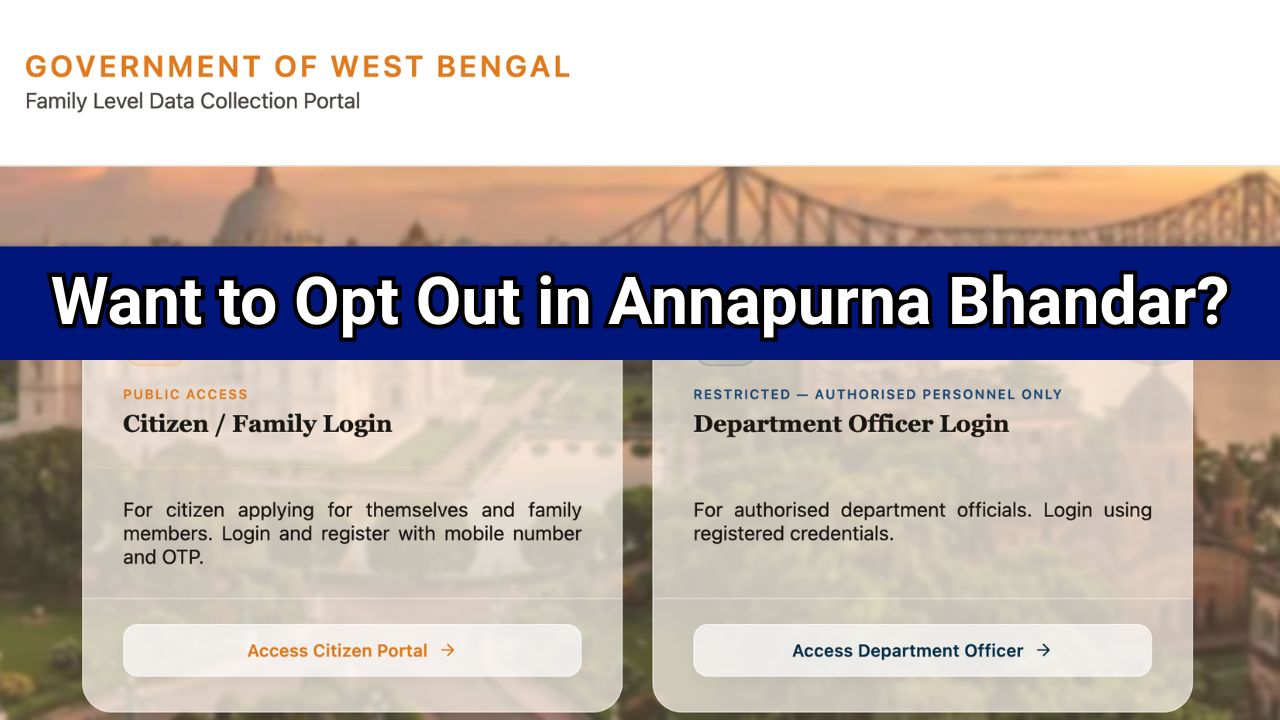


Want to Opt Out in Annapurna Bhandar
Want to opt out in Annapurna Bhandar means whether you want to leave the scheme and stop receiving benefits. If you wish to continue receiving the ₹3,000 monthly financial assistance under Annapurna Bhandar, you should select “NO”. Selecting “YES” indicates that you want to withdraw from the scheme and discontinue future benefits.
The West Bengal Government has launched the Annapurna Bhandar (Annapurna Yojana) to provide financial assistance of ₹3,000 per month to eligible women through Direct Benefit Transfer (DBT). While filling out the online application form, many applicants notice a field called “Want to opt out?” and become confused about whether they should select Yes or No.
If you are wondering what “Want to opt out in Annapurna Bhandar” means and which option you should choose, this guide explains everything in simple language.

What Does “Want to Opt Out” Mean in Annapurna Bhandar?
The “Want to opt out?” option is included in the Annapurna Bhandar application form to allow beneficiaries to voluntarily stop receiving benefits under the scheme.
If you wish to continue receiving the monthly financial assistance, you should select NO.
If you choose YES, it means that you are requesting to leave the scheme and stop receiving future benefits.
Quick Answer
| Option Selected | Meaning |
|---|---|
| NO | Continue receiving Annapurna Bhandar benefits |
| YES | Stop receiving Annapurna Bhandar benefits and exit the scheme |
Therefore, most applicants should select NO while submitting their application.
Read: https //socialregistry.wb.gov.in/track application
Why Should You Select “NO” in Annapurna Bhandar?
The purpose of applying for Annapurna Bhandar is to receive financial support from the government. Selecting “NO” confirms that:
- You want to remain enrolled in the scheme.
- You wish to continue receiving ₹3,000 per month.
- Your application remains active for benefit consideration.
- You are not voluntarily withdrawing from the scheme.
Choosing “YES” can indicate that you do not want to participate in the scheme anymore.
Common Mistake That Can Lead to Problems
Many applicants mistakenly select “YES” because they misunderstand the meaning of the option.
This can create issues during application processing and may affect eligibility verification. Therefore, carefully review the form before final submission and ensure that “Want to opt out?” is marked as NO unless you genuinely want to leave the scheme.
What Happens If You Select YES?
If you select YES, it generally indicates that:
- You wish to discontinue participation in Annapurna Bhandar.
- Future benefits may not be processed.
- Your request could be treated as voluntary withdrawal from the scheme.
Because of this, applicants seeking benefits should avoid selecting YES.
Annapurna Bhandar Scheme Overview
| Scheme Name | Annapurna Bhandar (Annapurna Yojana) |
| State | West Bengal |
| Benefit Amount | ₹3,000 per month |
| Transfer Mode | Direct Benefit Transfer (DBT) |
| Beneficiaries | Eligible women |
| Age Limit | 25 to 60 years |
| Payment Method | Aadhaar-linked bank account |
| Scheme Start | June 2026 |
Eligibility for Annapurna Bhandar
Applicants generally need to satisfy the following conditions:
- Must be a resident of West Bengal.
- Must be a woman applicant.
- Age should be between 25 and 60 years.
- Should not be a government employee.
- Aadhaar should be linked with the bank account for DBT payments.
Important Update for Lakshmir Bhandar Beneficiaries
Women already receiving benefits under Lakshmir Bhandar have reportedly been migrated to Annapurna Yojana automatically.
This means existing beneficiaries generally do not need to submit a fresh application form unless instructed by the authorities.
Steps to Fill the Annapurna Bhandar Form Correctly
- Visit the official Annapurna Bhandar portal: https://socialregistry.wb.gov.in/.
- Complete registration using the required details.
- Enter Aadhaar and bank account information accurately.
- Upload the necessary documents.
- Review all details carefully.
- Locate the “Want to opt out?” option.
- Select NO to continue receiving benefits.
- Submit the application form.
- Save the acknowledgment number for future reference.
Frequently Asked Questions
What does “Want to opt out?” mean in Annapurna Bhandar?
It means whether you want to voluntarily leave the scheme and stop receiving benefits.
Should I select Yes or No in Annapurna Bhandar?
If you want to receive the ₹3,000 monthly benefit, you should select NO.
What happens if I choose YES?
Selecting YES indicates that you want to discontinue participation in the scheme and may stop receiving benefits.
Can I continue receiving Annapurna Bhandar benefits after selecting NO?
Yes. Selecting NO confirms that you want to remain a beneficiary of the scheme.
Do Lakshmir Bhandar beneficiaries need to apply again?
Existing beneficiaries have reportedly been migrated automatically to the Annapurna Yojana, so a fresh application may not be required unless officially notified.

Hello, I am Shubham Kumar Founder of Onlineprocess.co.in, also I am a government employee and have been blogging since 2016. Through OnlineProcess.co.in, I share useful and reliable information about jobs, education, scholarships, and government schemes.