

Annapurna Bhandar Form Correction 2026
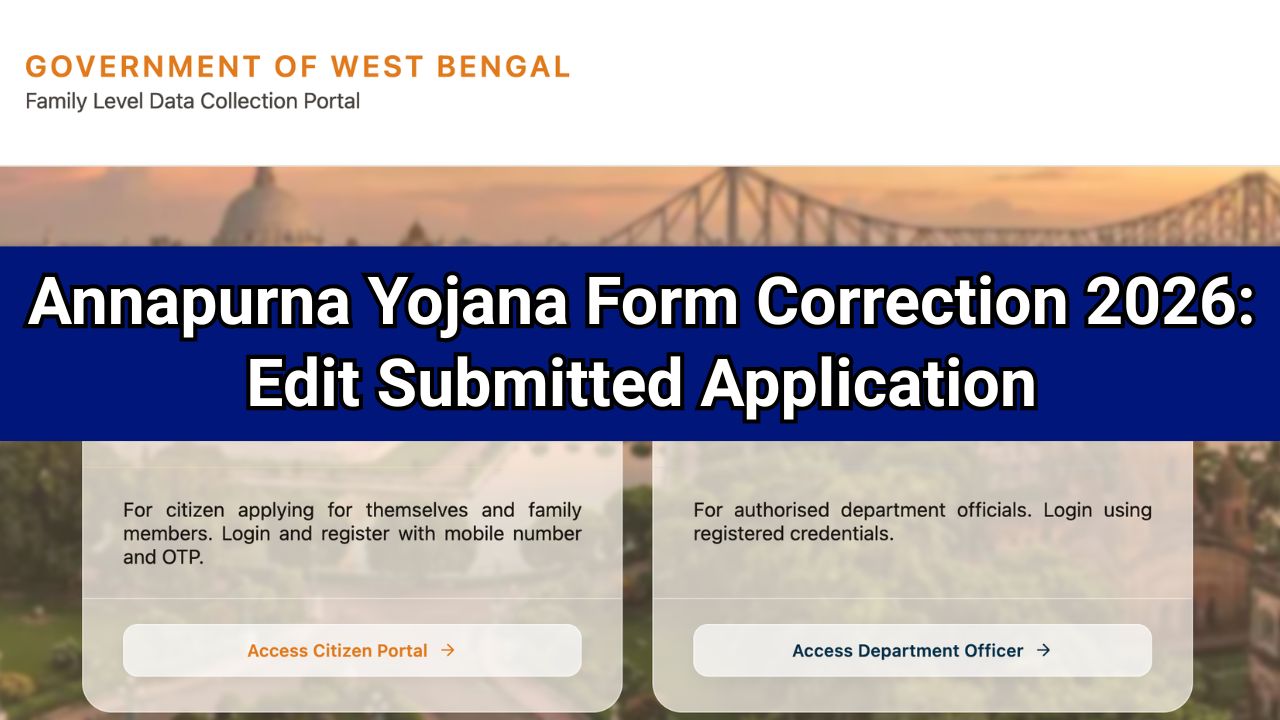
Annapurna Bhandar Form Correction 2026 is not available online after final submission. Applicants cannot edit their application through the portal. For Annapurna Bhandar Form Correction, you must visit the local BDO or SDO office with their Temporary Application ID and supporting documents. Authorized officers may make corrections after verification, if permitted under government rules.
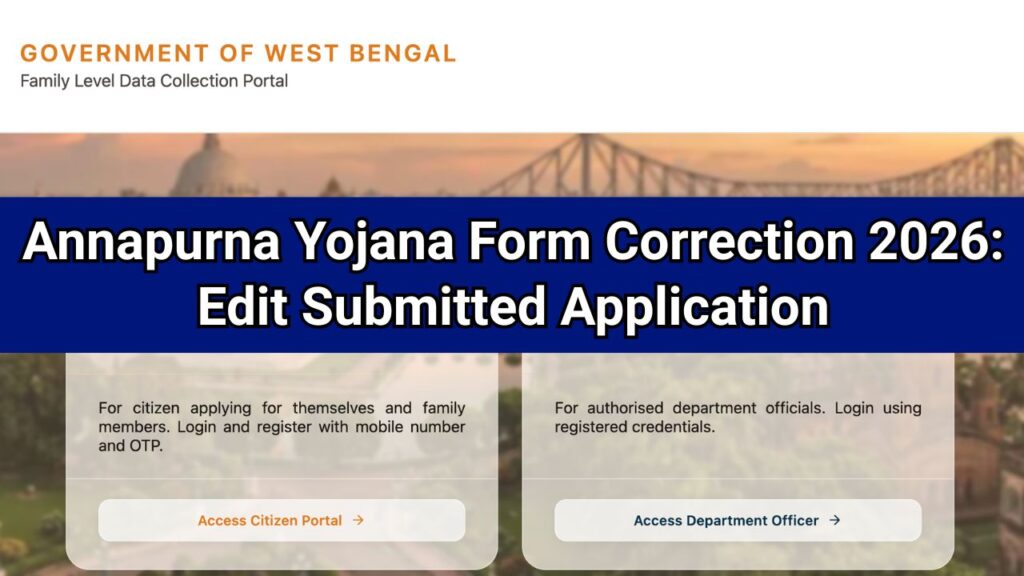
If you have already submitted your Annapurna Yojana application and later discovered an error in your form, you may be searching for annapurna form correction, annapurna yojana form correction, annapurna bhandar form correction, or annapurna bhandar form correction online.
Many applicants want to know whether they can edit their submitted application online, change personal details, correct Aadhaar information, or update documents after final submission.

This article explains the latest official process for correcting mistakes in the Annapurna Yojana application form in 2026.
Read: https //socialregistry.wb.gov.in/track application
Annapurna Form Correction 2026 – Latest Update
As per the latest information available, there is currently no online correction facility available. Applicants looking for an Annapurna Bhandar correction portal or an online edit option will not find any correction feature after final submission.
Once an applicant clicks the Final Submit button, the application becomes locked and cannot be edited through the applicant login portal.
Read: Want to Opt Out in Annapurna Bhandar? Select Yes or No Explained
Annapurna Form Correction 2026 – Quick Overview
| Scheme Name | Annapurna Yojana (West Bengal) |
| Year | 2026 |
| Form Correction Online | No |
| annapurna bhandar edit option | Not Available |
| Correction Method | Through BDO/SDO Office |
| Official Portal | https://socialregistry.wb.gov.in/ |
| State | West Bengal |
Annapurna Bhandar Edit Option
Many users search for an Annapurna Bhandar edit option after submitting their form. However, the portal does not currently allow applicants to modify submitted details themselves. Applicants cannot edit their Annapurna Yojana application after final submission through the online portal.
The portal does not provide any option to:
- Change applicant name.
- Correct Aadhaar number.
- Update PAN details.
- Modify ration card information.
- Change mobile number.
- Upload new documents.
- Edit bank account details.
Therefore, if you have submitted incorrect information, you must follow the offline correction process.
Also Read: Malicious Input Error in Annapurna Yojana Form 2026: How to Fix Guide
How to Edit Annapurna Bhandar Online?
If you are wondering how to edit Annapurna Bhandar application details after submission, the only available method is to contact the concerned BDO or SDO office for assistance.
Step 1: Visit Your Local BDO or SDO Office
Go to your nearest:
- Block Development Office (BDO)
- Sub-Divisional Office (SDO)
Visit the office as soon as possible after noticing the error.
Step 2: Carry Required Documents
Take the following documents with you:
- Temporary Application ID
- Aadhaar Card
- PAN Card (if applicable)
- Ration Card
- Bank Passbook
- Any supporting documents related to the correction
Step 3: Explain the Mistake
Inform the concerned officer about:
- Which information was entered incorrectly
- What the correct information should be
- Why the correction is required
Step 4: Application Verification
The officer will:
- Search your application using the Temporary Application ID
- Verify your identity and documents
- Check the submitted records
Step 5: Authorized Correction
If government rules permit the modification, the authorized official may update the application through their official administrative login.
Applicants themselves cannot access this correction facility.
Common Mistakes That May Require Correction
Many applicants make errors while filling out the form. Common mistakes include:
Wrong Aadhaar Number
An incorrect Aadhaar number can lead to identity verification failure.
Incorrect Bank Account Details
Wrong account numbers or IFSC codes may delay benefit payments.
Name Mismatch
The applicant’s name should match official documents.
Mobile Number Error
An incorrect mobile number may cause communication issues.
Wrong Ration Card Information
Incorrect ration card details may affect eligibility verification.
Address Mistakes
Errors in residential information can create verification problems.
Should You Submit a New Application?
No.
Applicants are advised not to submit another application if they have already completed final submission.
Submitting a fresh application may:
- Create duplicate records.
- Delay verification.
- Cause confusion during processing.
- Increase the chances of rejection.
Instead, contact the BDO or SDO office and request assistance.
Important Tips for Annapurna Yojana Applicants
Double-Check Before Final Submission
Always verify:
- Name spelling
- Aadhaar number
- Mobile number
- Bank account details
- Address information
- Uploaded documents
Keep Your Application ID Safe
The Temporary Application ID is essential for tracking and correction requests.
Act Quickly
If you notice a mistake, contact the local office immediately.
Cooperate During Verification
Officials may request additional documents or clarification before approving corrections.
What Happens If Incorrect Information Is Not Corrected?
Failure to correct inaccurate details may result in:
- Verification delays.
- Payment delays.
- Document mismatch issues.
- Application rejection.
- Additional scrutiny during verification.
Therefore, applicants should resolve errors at the earliest opportunity.
Annapurna Yojana Official Website
Applicants can access the official portal through:
Official Portal: https://socialregistry.wb.gov.in/
The portal allows users to:
- Submit applications.
- Check application status.
- View scheme information.
- Access beneficiary-related services.
Frequently Asked Questions on annapurna bhandar edit option
Is there an Annapurna Bhandar correction window available?
No. As of 2026, no separate correction window has been announced. Applicants must approach the local BDO or SDO office if any correction is required.
How can I correct mistakes in my Annapurna Yojana application?
You must visit your local BDO or SDO office with your Temporary Application ID and supporting documents.
Can I submit a new application if I made a mistake?
No. Submitting a new application may create duplicate records and delay processing.
Which documents are required for form correction?
Generally, applicants should carry Aadhaar Card, PAN Card, Ration Card, Bank Passbook, and Temporary Application ID.
Is correction guaranteed after visiting the office?
Corrections are subject to verification and government rules. Authorized officers may update details if permitted.
Is Annapurna Bhandar form correction available online?
No. Annapurna Bhandar form correction cannot be completed online after final submission. Correction requests can only be reviewed by authorized officials after document verification.

Hello, I am Shubham Kumar Founder of Onlineprocess.co.in, also I am a government employee and have been blogging since 2016. Through OnlineProcess.co.in, I share useful and reliable information about jobs, education, scholarships, and government schemes.