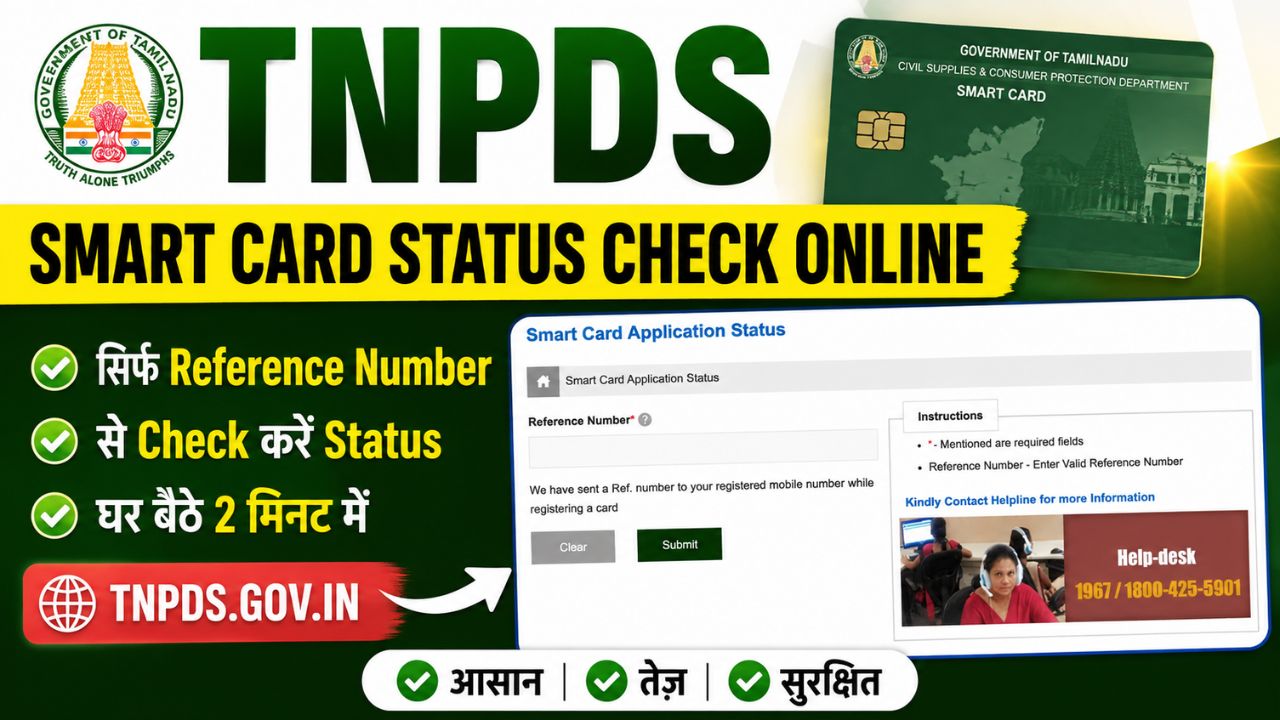


If you have applied for a Tamil Nadu Smart Card (Ration Card) online and want to know whether your application has been approved, verified, or is still under process, you can check the new ration card status online through the official TNPDS portal: tnpds gov in.
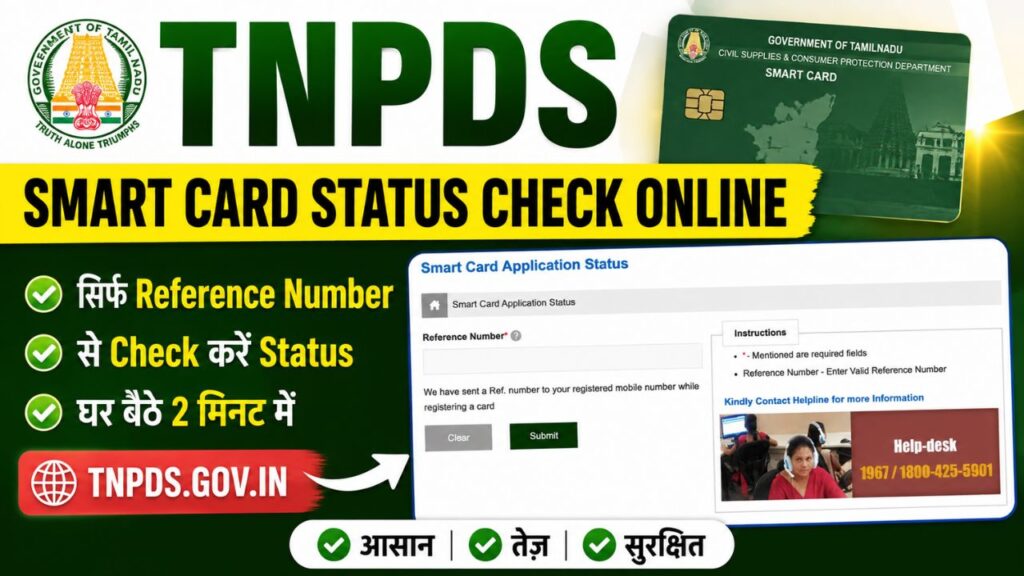
TNPDS stands for Tamil Nadu Public Distribution System. The official website tnpds gov in provides several electronic family card services, including new Smart Card applications, application-status tracking, duplicate/reprint card services, and other card-related requests.

In this article, you will learn how to complete TNPDS Smart Card Status Check Online, which number you need to check the status, what different status messages may mean, and what to do if your application status is not showing.
குடும்ப அட்டை status check onlinehttps www tnpds gov in – Quick Details
| Post Name | TNPDS Status Check |
|---|---|
| Service | TNPDS Smart Card Application Status |
| Department | Civil Supplies and Consumer Protection Department, Tamil Nadu |
| State | Tamil Nadu |
| Mode | Online |
| Main Requirement | Application Reference Number |
| Related Card | Electronic Family Card / Smart Ration Card |
| Official Helpline | 1967 / 1800-425-5901 |
| Official Portal | tnpds.gov.in |
| Support Email | [email protected] |
How to Check TNPDS Smart Card Status Online – Step By Step Online Process
You can follow these steps to check the smart card status using it’s Official website: www tnpds gov in ration card status:
- Step 1: Go to www tnpds gov in for ration card status.
- Step 2: Now Click on Smart Card Application Status Option.
- Step 3: Now Enter your Reference Number.
- Step 4: Click on Submit button.
- Step 5: Your current TNPDS Smart Card application status will appear on the screen.
Read the status shown on the screen carefully. If the application is still being processed, you may need to wait for the concerned department to complete verification.
What Is the TNPDS Smart Card Reference Number?
The reference number is the application-related number generated when you submit a Smart Card request through the TNPDS system.
It is important to keep this number safe because it can be required when tracking your application.
You should check:
- Your application acknowledgement
- SMS received after application submission
- Application-related records
- Any receipt generated during online submission
Important: Do not assume that Aadhaar number is the required input for the Smart Card application-status page. The verified status-check process is based on the application/reference information provided by the TNPDS service.
TNPDS Gov In – Official Website
TNPDS Gov In is the official website of the Tamil Nadu Public Distribution System. The portal is operated under the Civil Supplies and Consumer Protection Department, Government of Tamil Nadu.
The official website is: tnpds.gov.in
Through TNPDS, citizens can access several Public Distribution System and Smart Card-related services online.
TNPDS Login – How to Login to TNPDS?
TNPDS Login refers to accessing the available TNPDS online services through the official Tamil Nadu Public Distribution System portal.
If the service you are using requires authentication, open tnpds.gov.in and follow the login or authentication instructions displayed on the official website.
For services that provide a separate status-check facility, you may not need to complete a general TNPDS login. For example, the Smart Card application-status service can require the application reference number instead.
TNPDS Login for Smart Card Status
If you are searching for TNPDS Login to check your Smart Card application, first identify the exact service you need.
For a new Smart Card application, use the Electronic Card Application Status option and enter the reference number generated during the application process.
Do not enter your login details on third-party websites claiming to provide TNPDS services.
Which TNPDS Status Service Should You Use?
TNPDS provides different services for different types of requests. Therefore, selecting the correct tracker is important.
| Application/Request | Service to Check |
|---|---|
| New Smart Card | Smart Card / Electronic Card Application Status |
| Duplicate Smart Card | Duplicate Electronic Family Card Application Status |
| Reprint Card | Reprint-related status service, where available |
| Family member addition | Card-related service status |
| Address change | Card-related service status |
| Family-head change | Card-related service status |
| Member removal | Card-related service status |
| Card surrender/cancellation | Related card-service status |
TNPDS Smart Card Status Meaning
The exact status labels can vary depending on the type of request and the portal’s current workflow. Therefore, the following explanations are general interpretations, rather than a permanent official status dictionary.
| Status | What It Generally Means |
|---|---|
| Submitted / Received | Your application has been registered in the system. |
| Under Verification | The application is being checked by the concerned authority. |
| Approved | The application/request has been accepted. |
| Generated / Printed | Card-generation or printing activity has been initiated/completed. |
| Dispatched | The card or related document has entered the delivery/distribution stage, where applicable. |
| Deficient / Returned | Some information, correction, or additional action may be required. |
| Rejected | The application/request has not been approved. |
Note: Do not rely on a fixed processing time or guaranteed delivery date because the processing period can vary according to the application type and verification process.
TNPDS Smart Card Status Not Showing
Sometimes applicants enter their reference number but cannot see the expected status. This does not necessarily mean that the application has been rejected.
Try the following troubleshooting steps:
- Recheck the reference number carefully.
- Make sure you are using the correct Smart Card status service.
- Check whether you are tracking a new card, duplicate card, or another card-related request.
- Open the TNPDS homepage and access the service again.
- Try another browser.
- Clear your browser cache or use private/incognito mode.
- Check your application acknowledgement or SMS for the correct reference number.
- If you submitted the application recently, check again later.
- Contact the official TNPDS support team if the reference number continues to be unrecognised.
Avoid submitting another application simply because the status page is temporarily unavailable.
Can I Check TNPDS Smart Card Status With Aadhaar Number?
Applicants may find websites claiming that TNPDS Smart Card status can be checked directly using an Aadhaar number.
However, you should not rely on an unofficial website for this information.
For the Smart Card application-status process, use the application/reference information requested by the official TNPDS portal. If the live government portal introduces another verification option, follow the instructions displayed there.
Also avoid sharing your Aadhaar number, OTP, password, or other sensitive information with unofficial websites or agents.
The TNPDS privacy policy explains that the portal handles personal information and uses security measures for protecting user data.
TNPDS Smart Card Status Check Using Mobile Number
A registered mobile number can be important for TNPDS services, notifications and authentication. However, do not assume that entering only a mobile number is the same as checking the Smart Card application status.
For application tracking, use the information requested by the official status-check page.
The TNPDS website also provides mobile-based services and lists a Public App for consumers.
TNePDS App for Smart Card Services
TNPDS also provides mobile applications for citizens and department officials. The official website identifies a Public App for consumers and other applications used for department-related functions.
If you use a mobile application, make sure you download the official application and verify that it is connected with the Tamil Nadu PDS service.
Do not install APK files from unknown websites simply because they claim to provide faster TNPDS status checking.
TNPDS Smart Card Helpline Number
If you cannot check your application status or have a problem with a TNPDS service, you can contact the official support channels.
TNPDS Helpline:
- 1967
- 1800-425-5901
- Email: [email protected]
Important Difference Between Helpline Numbers
The TNPDS website separately lists 1800-599-5950 and 9677736557 for complaints related to the smuggling or hoarding of essential commodities.
These numbers should not be confused with the regular Smart Card service support numbers.
tnpds gov in smart card status check online – Common Problems
1. Reference Number Is Not Working
Check every digit of your reference number. If it is still not recognised, contact TNPDS support.
2. Website Is Not Opening
The government portal may occasionally experience technical or maintenance-related issues. Try again later or access the service through the main TNPDS homepage.
3. Status Has Not Changed
If your application is under verification, the status may remain unchanged until the concerned authority completes the next stage.
4. Application Shows Rejected
Check whether the portal provides a reason for rejection. If the reason is unclear, contact the official TNPDS support team.
5. Duplicate Application
Do not immediately submit another application just because your existing application is not showing a new status. First verify the application details and contact the department if necessary.
Is TNPDS Smart Card Status Check Free?
The online status-check service itself is intended to allow applicants to track their application through the government portal. Always use the official tnpds.gov.in website rather than paying an unofficial website or agent to check the status for you.
FAQs About TNPDS Smart Card Status
What is the official website to check TNPDS Smart Card status?
The official website is tnpds.gov.in
How can I check TNPDS Smart Card Status Check Online?
To Check TNPDS Smart Card Status Check Online: Go to TNPDS website: tnpds.gov.in, open the Smart Card application-status service, enter your application reference number and submit the details.
What is required to check TNPDS Smart Card status?
For the application-status process, keep your application reference number ready. You should use the exact information requested by the live official portal.
Can I check my TNPDS status without a reference number?
If the official status page requires a reference number, you should first locate it from your application acknowledgement or SMS. If you cannot find it, contact TNPDS support rather than using an unofficial tracking website.
What should I do if my TNPDS Smart Card status is not showing?
Verify your reference number, make sure you selected the correct service, try the official portal again later, and contact TNPDS support if the issue continues.
What is the TNPDS helpline number?
The official TNPDS website lists 1967 and 1800-425-5901 as free help-centre numbers.
What is the TNPDS support email?
The official website lists [email protected] as the support email.
Can I check duplicate Smart Card application status online?
Yes. TNPDS provides a separate status service for duplicate electronic family-card applications.

Hello, I am Shubham Kumar Founder of Onlineprocess.co.in, also I am a government employee and have been blogging since 2016. Through OnlineProcess.co.in, I share useful and reliable information about jobs, education, scholarships, and government schemes.